
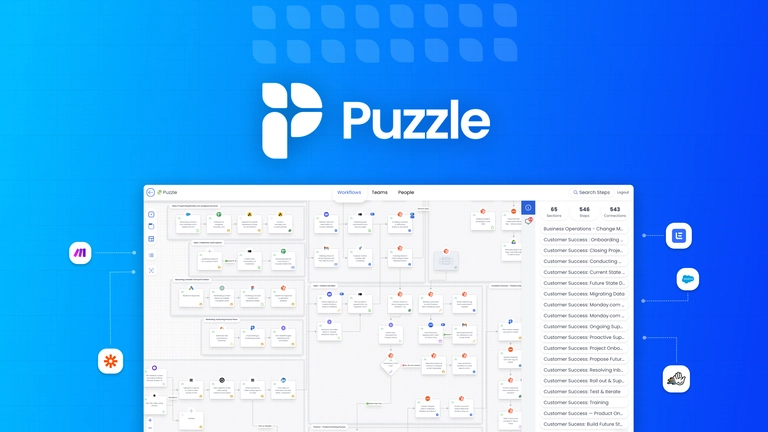
About Puzzle
When teams grow and systems multiply, it’s easy for processes to become messy and opaque.
Puzzle gives you a canvas where you can turn workflows, tools and responsibilities into diagrams that everyone can follow.
You can attach metrics to each step—hours spent, cost of tools, rework rates—so you begin to see which parts of your process drain value.
Integrations with platforms like Zapier, Make and HubSpot let you pull live data or keep your diagrams in sync with real-world systems.
You can embed task details, comments, or documentation directly into your visuals, making onboarding or process reviews clearer.
It works well whether you’re a consultant working with client systems, a team lead trying to streamline operations, or a business scaling workflows and tools.
As always, whether it’s worth the lifetime deal depends on how much you rely on process mapping, integrations and continuous review of your systems.
Key Features:
Visual workflow and system mapping in a drag-and-drop canvas
Attach cost, time and tool-usage metrics to process steps
Real-time integration with Zapier, Make, HubSpot
Embed tasks, comments and documentation in visual models
Unlimited objects, workspaces and tabs (depending on plan)
- Active Deal

- Launched 9 months ago
You Might Also Like
No deal available