
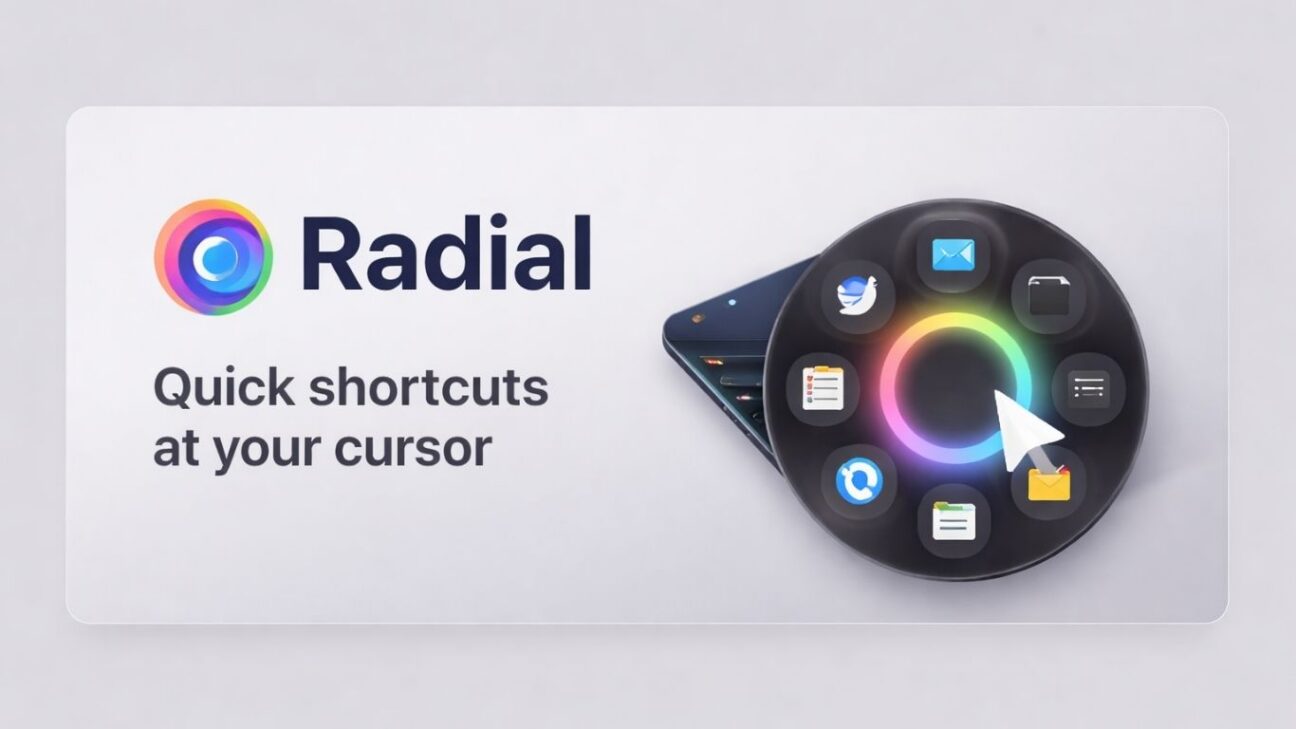
About Radial
Radial is a macOS utility focused on turning repetitive desktop actions into visual shortcuts that open right at the cursor.
Instead of relying on complex hotkeys, users can launch apps, open files, access folders, jump to URLs, and trigger common actions through a radial gesture menu.
A strong use case is workflow chaining, where multiple actions like opening a project folder, launching VS Code, starting a dev server, and opening localhost can run in a single sequence.
The scripting layer supports both AppleScript and shell commands, making it practical for Finder automation, developer workflows, file management, and system-level tasks.
The built-in AI assistant adds another layer by helping generate scripts from simple prompts, which lowers the barrier for non-technical users building custom automations.
Text snippets are another practical workflow block, allowing quick insertion of canned replies, code templates, addresses, and repeated phrases into any app.
Radial also works well for desktop control tasks like window tiling, focus mode toggling, screenshots, media playback, and other system shortcuts.
The preset library acts like a community store where users can install ready-made radial menus for apps like Finder, VS Code, Photoshop, Chrome, and productivity tools.
Because menus can be contextual to the active app, the workflow stays clean and relevant instead of exposing every shortcut at once.
Overall, it fits developers, creators, writers, and macOS productivity enthusiasts who want a faster way to interact with their daily desktop workflows.
Key Features
Cursor-based radial launcher
Multi-step workflow chaining
AI-assisted AppleScript and shell scripting
App-specific preset library
Text snippets and system shortcuts
- Active Deal
Starting from
$14
- Launched 3 months ago
You Might Also Like
No deal available