
ShortPixel Google Drive
Compress, convert, backup and optimize your images

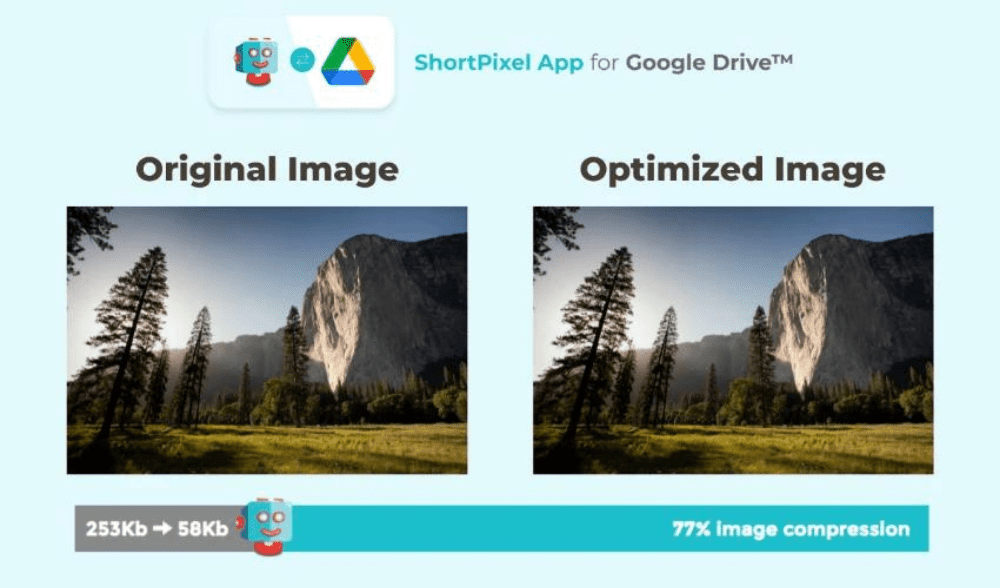
About ShortPixel Google Drive
If you store a lot of images or PDFs in Google Drive, space can run out fast.
ShortPixel Drive Optimizer helps you save up to 5x more space by compressing these files automatically in the background.
The tool connects securely to your Google Drive and processes files directly without needing manual uploads or downloads.
It supports JPG, PNG, WebP, GIF, and PDF formats, and you can choose the level of compression: lossy, glossy, or lossless.
Files are downloaded temporarily, optimized on ShortPixel’s servers, and then reuploaded to your Drive, replacing the originals.
All connections are encrypted, and the optimized files are deleted from their servers after processing.
You stay in control — you can restore previous versions through Google Drive History at any time.
You can also revoke ShortPixel’s access to your Drive whenever you want via your Google account settings.
A free plan is available, allowing you to optimize a limited number of images each month.
If your cloud storage needs better space management, this tool handles the heavy lifting with minimal setup.
Key Features:
Compress images and PDFs stored in Google Drive
Choose between lossy, glossy, or lossless optimization
Works with JPG, PNG, WebP, GIF, and PDF formats
Encrypted processing and automatic file cleanup
Full control with version history and access management
- Active Deal
Starting from
$1,609
$19
- Launched 7 years ago
You Might Also Like
No deal available