
SiteSkite
Centralized WordPress site management for multi-site workflows
About SiteSkite
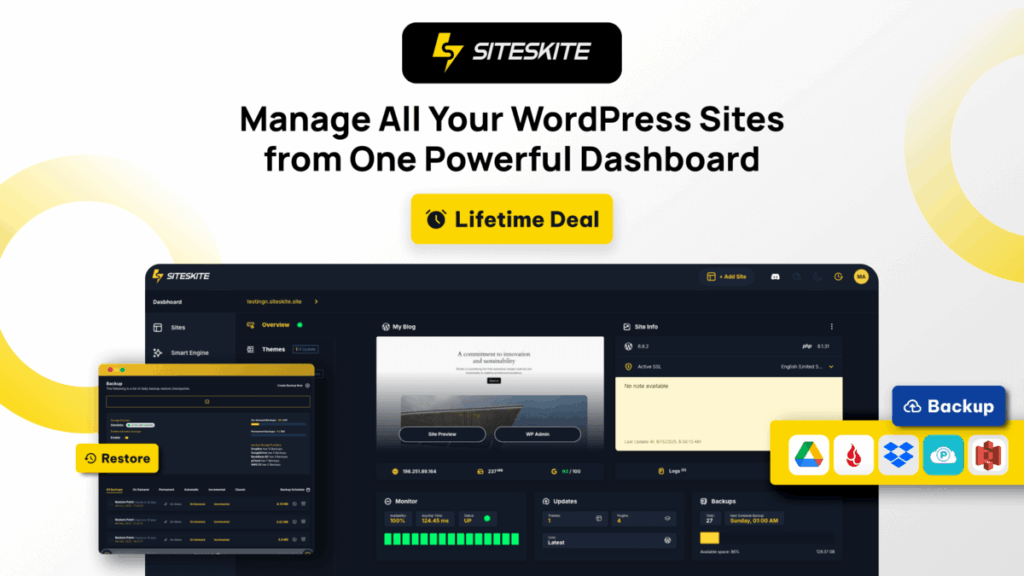
SiteSkite brings multiple WordPress sites into a single dashboard to reduce the friction of switching between logins and tools.
It handles updates, backups, monitoring, and performance checks without requiring cPanel or manual workflows.
Rollback support lets you restore any site to a previous working version when a plugin, theme, or core update causes issues.
The Sandbox Site Launcher creates temporary environments for testing features or plugins without affecting production sites.
Bring Your Own Cloud Storage allows backups to live in your Google Drive, Dropbox, or AWS S3 instead of a vendor-controlled server.
Visual debugging tools help identify errors and perform database or search-and-replace tasks directly inside the platform.
Agencies can run bulk operations across many sites at once, such as applying updates or removing unwanted plugins.
Uptime, SSL, DNS, and Core Web Vitals monitoring provide a high-level view of site health across your entire portfolio.
White-labeling and role-based access support client workflows, team collaboration, and branded maintenance experiences.
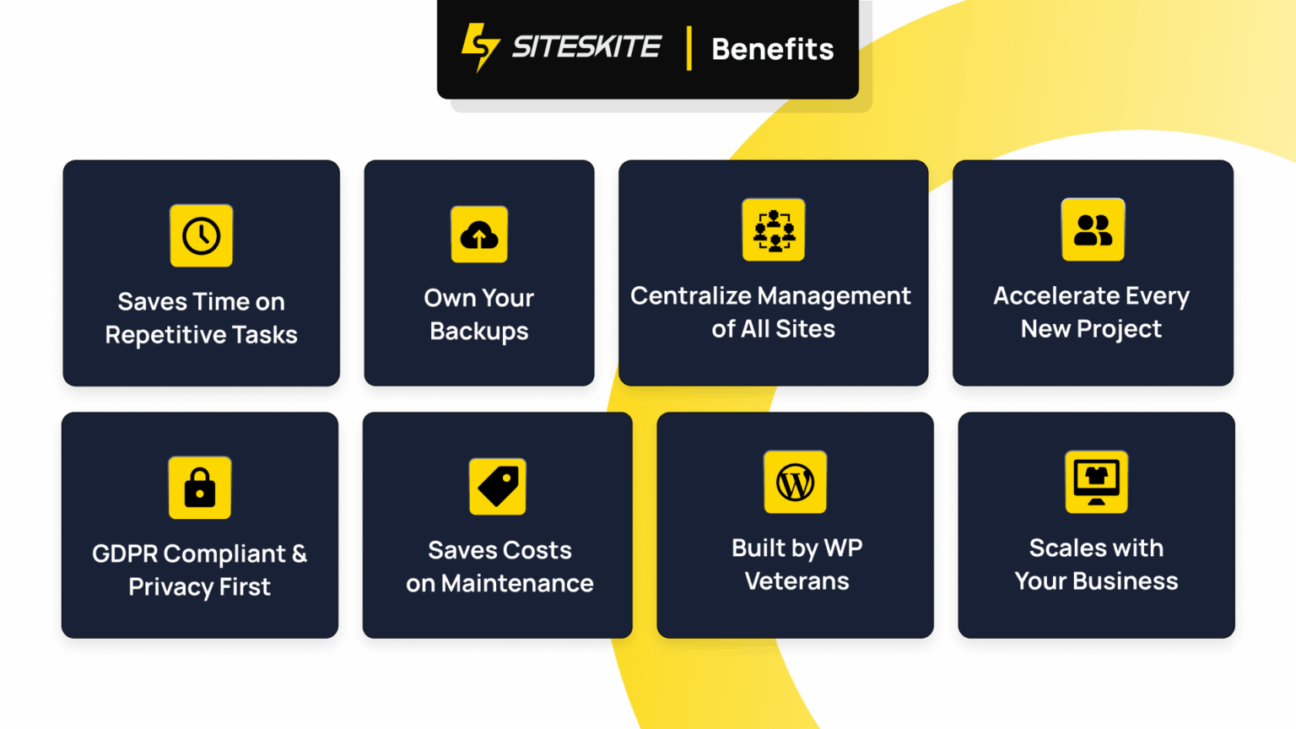
The overall structure is designed for service providers who maintain multiple WordPress installations and want to streamline routine tasks.
Key Features:
Centralized dashboard for managing multiple WordPress sites
One-click rollback for plugin, theme, and core updates
Sandbox generator for temporary testing environments
Visual debugging tools and WP Canvas utilities
Backups stored in your own cloud via BYO Cloud Storage
- Active Deal

- Launched 8 months ago
You Might Also Like
No deal available